
Part 1
Since you will create your own website using HTML and CSS in this course, you will need to acquire your own hosting service. This part of the lesson task is mandatory.
You are free to choose any hosting service, but we recommend one.com. The monthly fee is low, and the beginner plan is sufficient.
Consider your domain name very carefully. This cannot be altered. You will be able to use this domain for future website projects. (You can, of course, sign up for other domain names and delete the one you have, but ‘getting it right the first time’ saves you a great deal of trouble.)
I have choosen one.com and my domane name is: knutolavk, this is my name and the last k I the first letter of my last name. But I have also bought another one as well, and that is Strek of farge design. That is because I have that as my own page for design and art.
Part 2
The Norwegian Seafood Council wants to promote the health benefits of Norwegian salmon to the local and international markets. You need to create an informative website for this purpose. (This is a fictitious client and project).
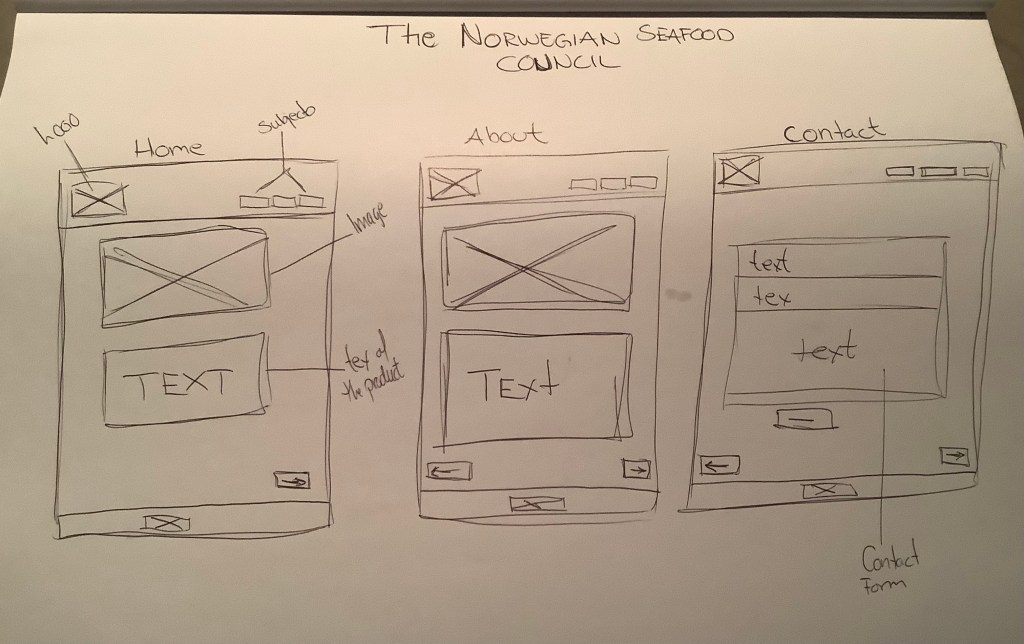
Create very basic wireframes for the website, showing at least three pages. These can be low-tech wireframes that show planning for the page structure and navigation.
In this task we are practicing to draw wireframes, but at the first year we did the same, it is a good way to have a feel of the structure of the website you are going to make. Often I see that I keep some of it, and some changes will be made. Under the development of the site.
Part 3
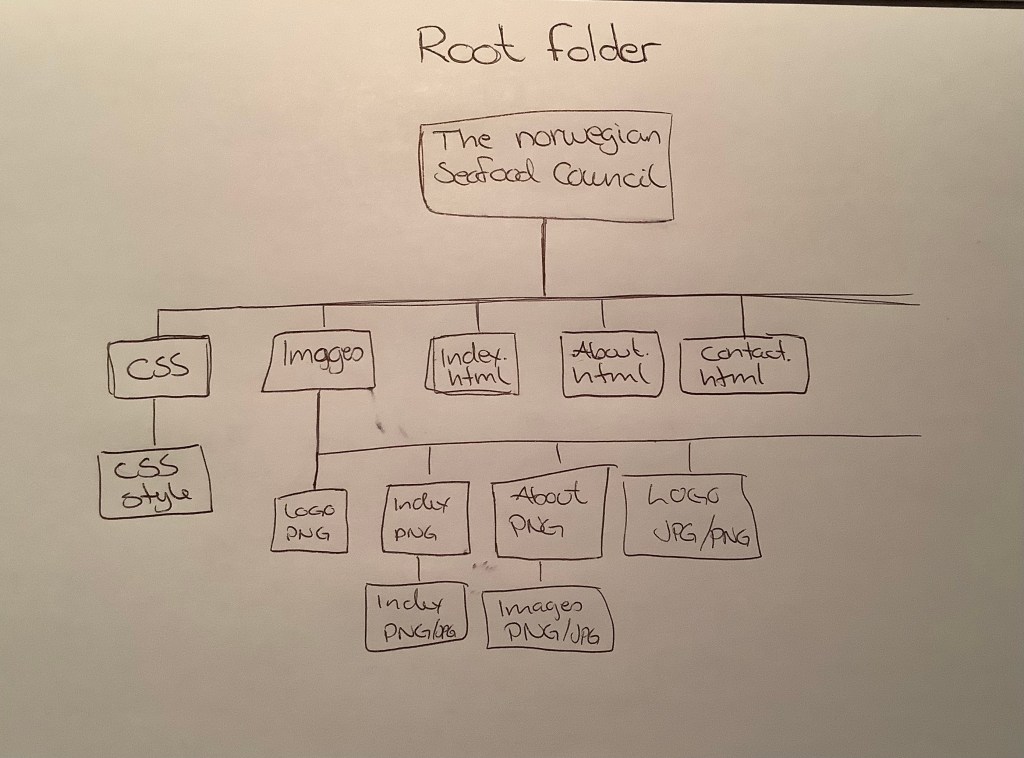
Create the structure for the HTML files and folders of the web page. Think about the root folder and name the folders correctly. Firstly, sketch out what the structure will look like. Then, set these up so you are ready to code your website.
Open Adobe Dreamweaver. Click on the ‘Create New’ button, and under ‘Document type’, choose HTML. Keep the ‘Framework’ as none since we will not use a Bootstrap framework. You can give the file a name, call it ‘home’ and the ‘Doc Type’ should be HTML5.
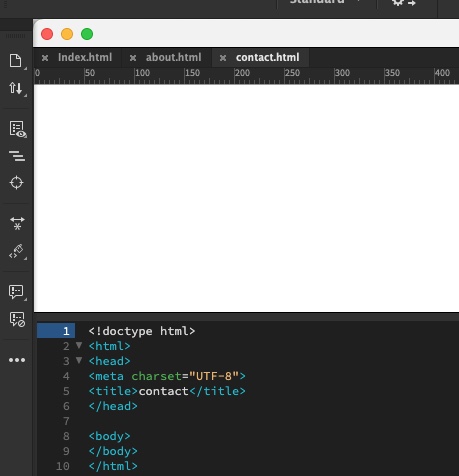
This will open a blank document in Dreamweaver. You will see a tab called ‘Untitled-1’ in the top left bar. This is because the file is not yet saved. Hit ‘save’ and save the file as Index.html in the correct folder of the folder structure you created. One HTML document called ‘index.html’ is enough for this LT.
Here the practice was to create a folder and the document, I had learned in this first part how to structure it. And now I had to try it myself. In this way it si easier and better to keep the structor . Often on websites it can be multiply people working on the same thing. So when the root folder is organized , it is easier for all to work on it.
Knut Olav K , 28.01.24
 Graphic Design by Knut Olav
Leave a comment