
Continued to work on the The Norwegian Salomon project , more criteria to work with from the last part.
Question 1
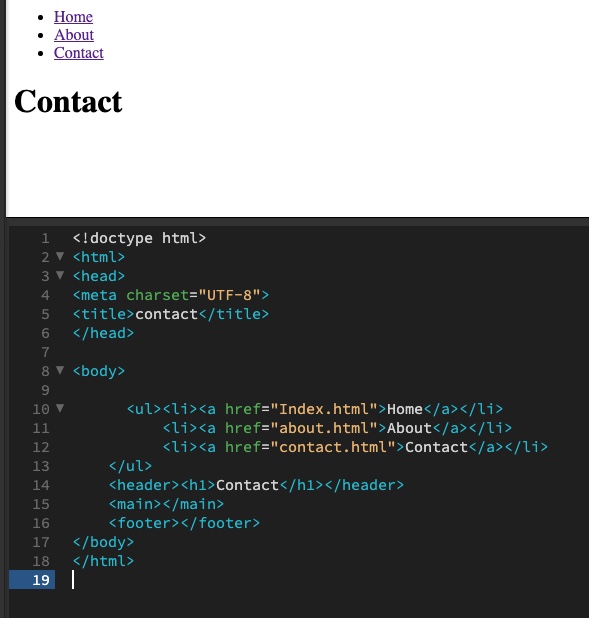
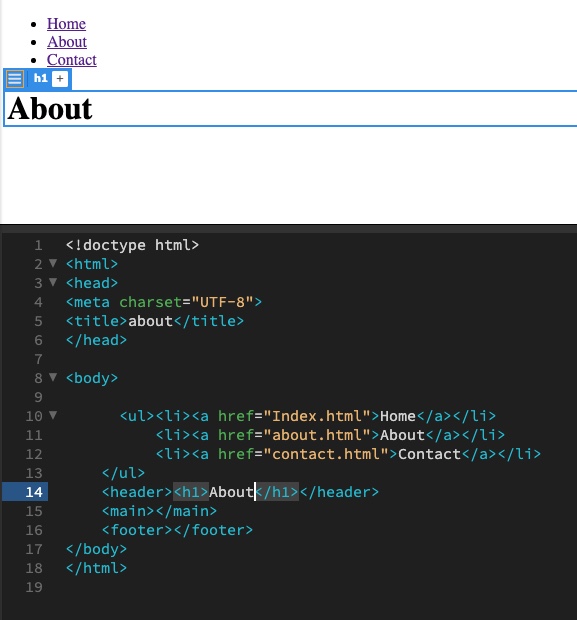
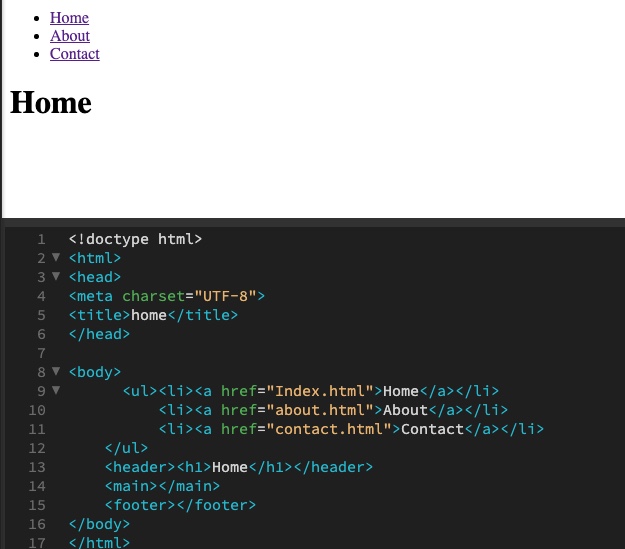
Create the other HTML pages that you have planned for the web page. (This should include all the pages that are on your <ul>). Take note of where you are saving these files in your file structure.
Using the href=”” attribute and relative file paths, create links to each of the pages from the <ul> in the index.html document.
Populate each new HTML file with the same <ul> for navigation and at least a <h1> header to state the page’s title.
Question 2
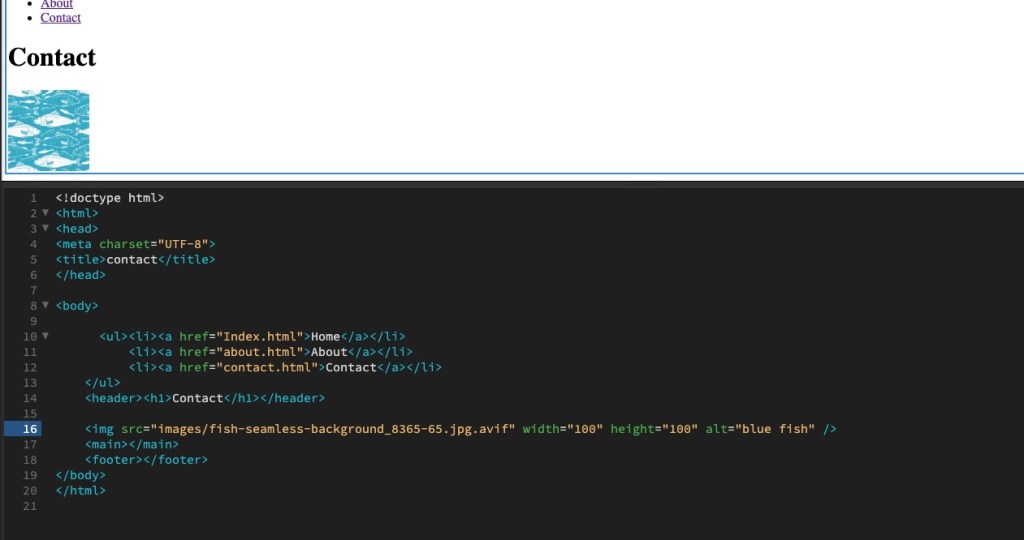
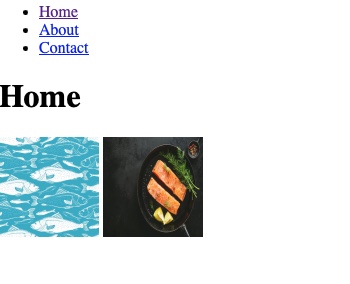
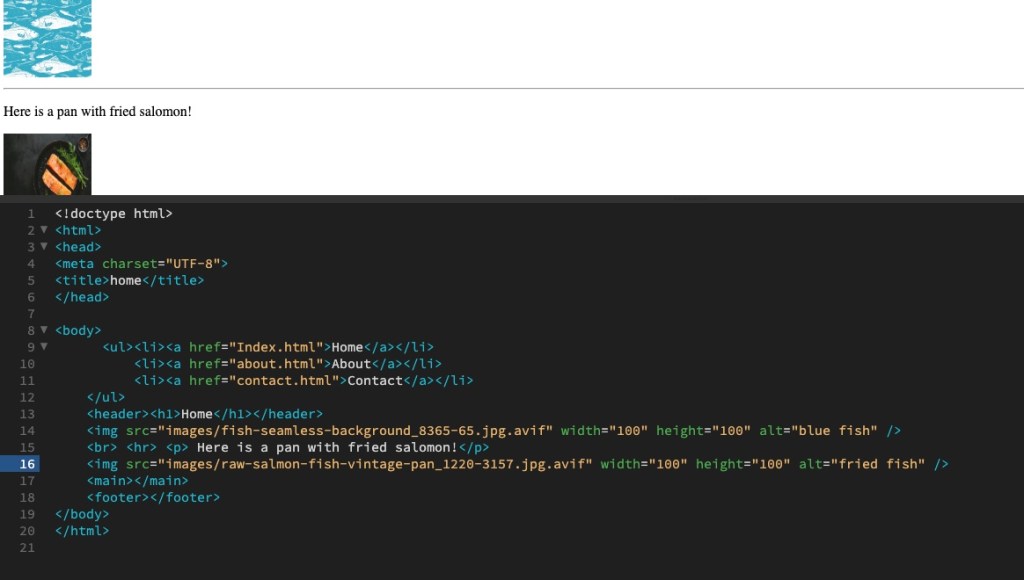
In your index.html document, add one image to one of the page <body> sections using a relative file path. Note that you need to take special care about where you put the image in the folder structure and how you link the ‘href’. Add text for the alt attribute. This should describe the image in some way in case the image is not displayed.
If you want, you can experiment by adding a width or height attribute to make the image fit inside the browser display.
Add another image. Observe how the images are placed on the HTML page. Add a <br> element between the images to see how the layout changes. Add an <hr> element to insert a line break between the images. Finally, add a <p> element between the images.
Question 3
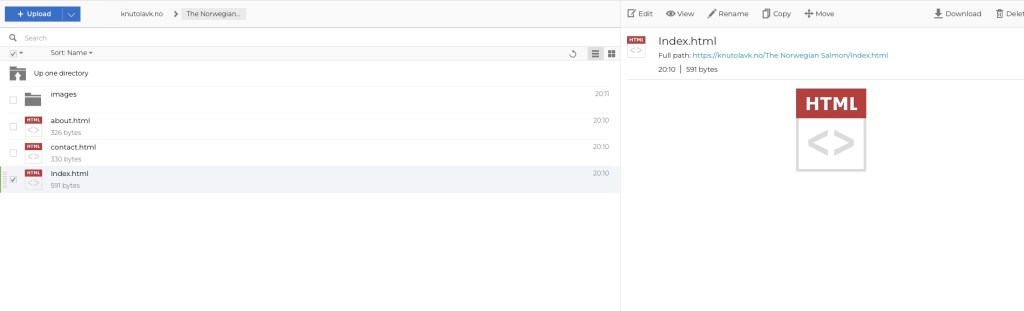
Select the root folder containing your HTML and the ‘Images’ folder and upload it to your host using an FTP client. Once uploaded, check if the remote files work in your browser.
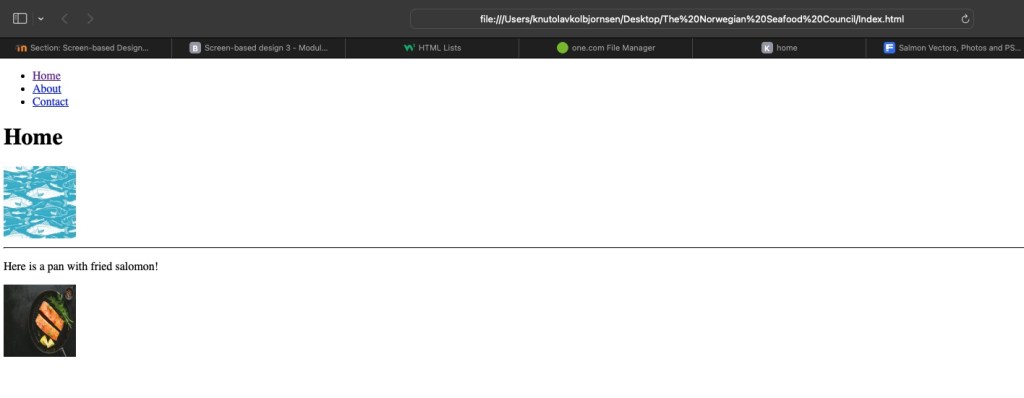
Check your page links in the live browser to see if it works properly. Check if the images display. If not, check your links and file locations.
This round I learn about how to link images, the pages , headlines and we also got som test . Where we had to find mistakes and try to solve them. So now I got more experience than before. Lets keep on the good work!
Knut Olav K 30.01.24
 Graphic Design by Knut Olav
Leave a comment